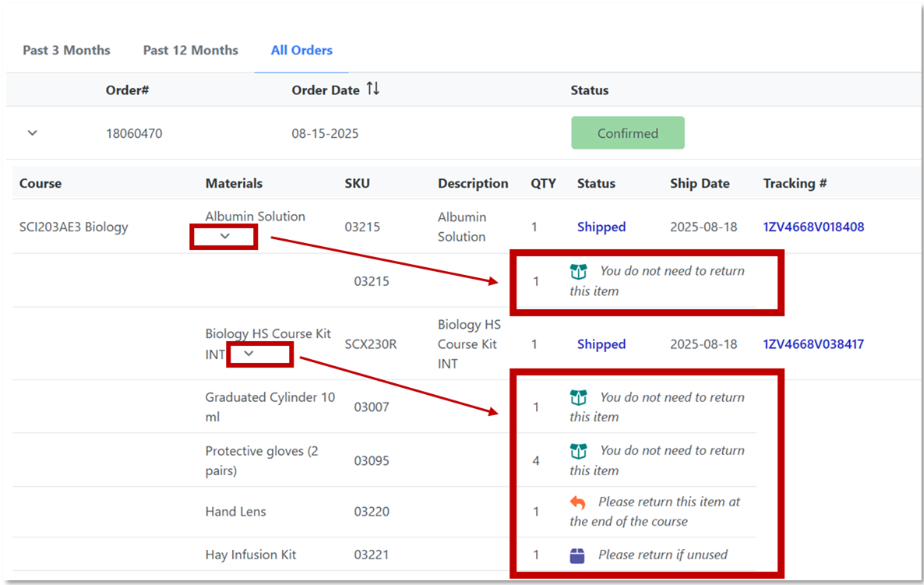
When it's time to return your student’s materials, you’ll receive a letter in the mail listing the items that need to be returned. If the letter is misplaced or you’d like to check in advance, you can also view this information by logging into your Learning Coach K12 School account!
Check Materials to Return in K12 School Account
- Go to login.k12.com and log in to the Learning Coach K12 School account.
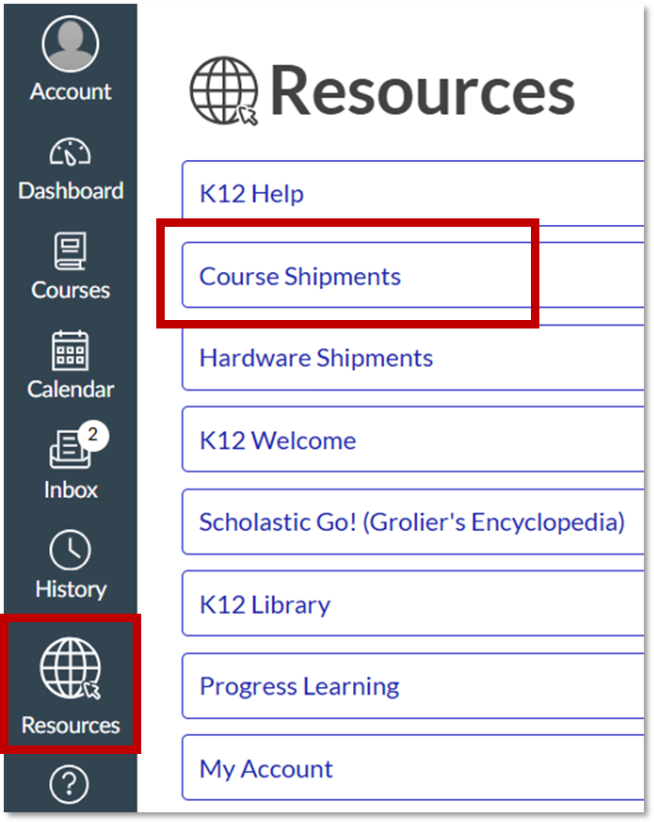
- Select Resources from the Global Navigation Menu > select Course Shipments.
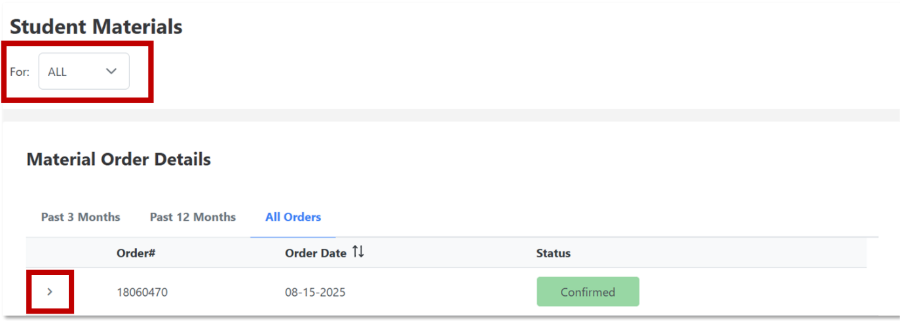
- At the top left, select the student whose orders you want to view, then click the black arrow, >, to expand the list of courses.
- Click the black arrow, >, under Materials to expand the list even more. This will show details about each item, including whether it needs to be returned.